Streamline your business operations with automated workflows that eliminate manual tasks
The Hidden Cost of Manual Work Is Burning Out Your Team
Your operations manager just spent 6 hours this week manually routing leads to salespeople. Your accountant is drowning in invoice approvals. Your customer support team is copying and pasting the same responses to common questions.
This isn't just inefficiency — it's a revenue leak. Manual processes cost SMBs an average of $12,000 per employee annually in lost productivity. Worse, they're burning out your best people with mind-numbing repetitive work.
The solution isn't hiring more people. It's automating the work that shouldn't require human intelligence in the first place. [What is workflow automation?](https://ideople.com/blog/technology/what-is-workflow-automation-the-complete-2026-guide) We'll show you exactly how to identify, prioritize, and implement business process automation that delivers measurable results in weeks, not months.
What Business Process Automation Actually Means in Practice
Business process automation (BPA) means using software to handle repetitive, rule-based tasks without human intervention. Instead of your team manually moving data between systems, approving routine requests, or sending standard communications, automated workflows handle these tasks consistently and instantly.
Think of it as creating digital employees that never sleep, never make mistakes, and never need coffee breaks. When a new lead fills out your contact form, automation can instantly route them to the right salesperson, add them to your CRM, send a personalized welcome email, and schedule a follow-up reminder — all within seconds.
The key difference between automation and simple software tools is intelligence. A spreadsheet stores data. Automation acts on that data based on rules you define. When your inventory hits 10 units, it automatically reorders stock. When an invoice is approved, it automatically updates your accounting system and sends payment.
For SMBs, this isn't about replacing human creativity or decision-making. It's about eliminating the manual busy work that prevents your team from focusing on strategy, customer relationships, and growth initiatives that actually move the needle.
Identify Which Processes to Automate First
Not every process should be automated. Start with the highest-impact opportunities using these four criteria:
1. Repetitive Tasks
Look for processes your team performs multiple times per week with minimal variation. Examples: data entry, file organization, status updates, routine approvals.
2. Rule-Based Decisions
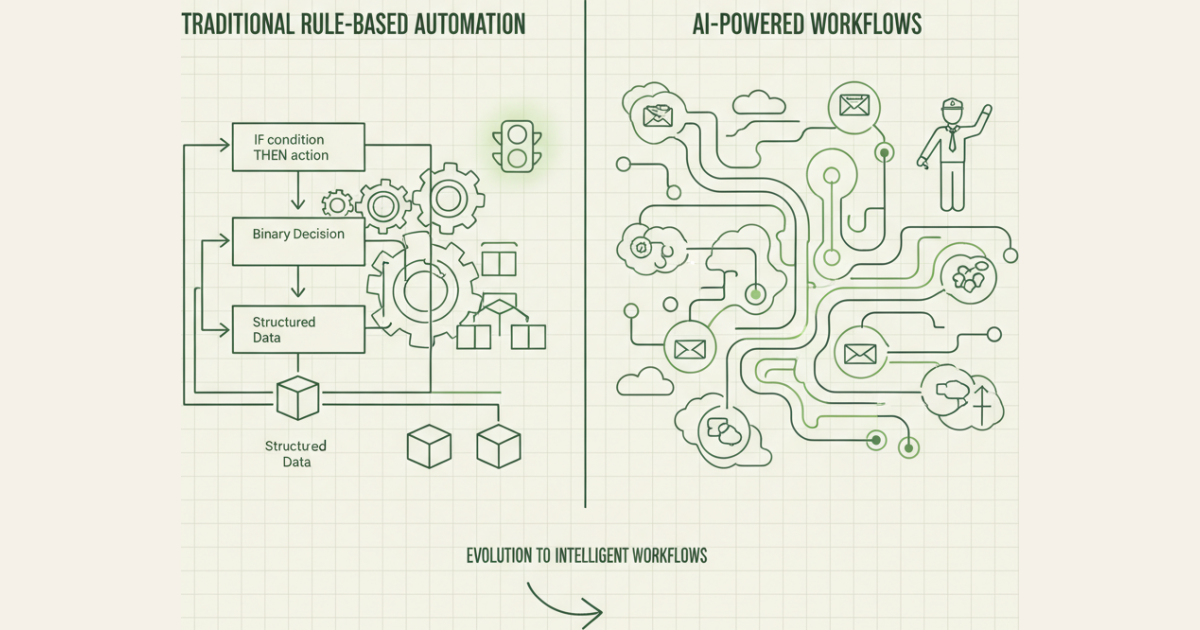
Automation excels at "if-then" logic. If the invoice is under $500, auto-approve. If the lead score is above 80, assign to senior sales rep. If support ticket mentions "billing," route to accounting team.
3. Time-Intensive Processes
Calculate how many hours per week your team spends on manual tasks. Invoice processing, lead qualification, and employee onboarding often consume 10+ hours weekly that automation can reclaim.
4. Error-Prone Activities
Manual data entry, calculations, and multi-step processes are breeding grounds for costly mistakes. Automation eliminates human error in routine tasks.
The MARS Process Audit Framework
We've developed a systematic approach to identify your highest-ROI automation opportunities in just one day:
Map (Morning): List all recurring processes your team performs weekly. Include everything from email responses to data transfers.
Analyze (Early Afternoon): For each process, score it 1-5 on frequency, time consumption, error risk, and rule-based potential.
Rank (Late Afternoon): Multiply scores to get an automation priority score. Focus on processes scoring 60+ first.
Sequence (End of Day): Order your top 5 processes by implementation complexity. Start with the easiest high-impact wins.
This framework typically identifies 3-5 automation opportunities that can save 15-25 hours per week within 30 days of implementation.
The 7-Step Automation Workflow
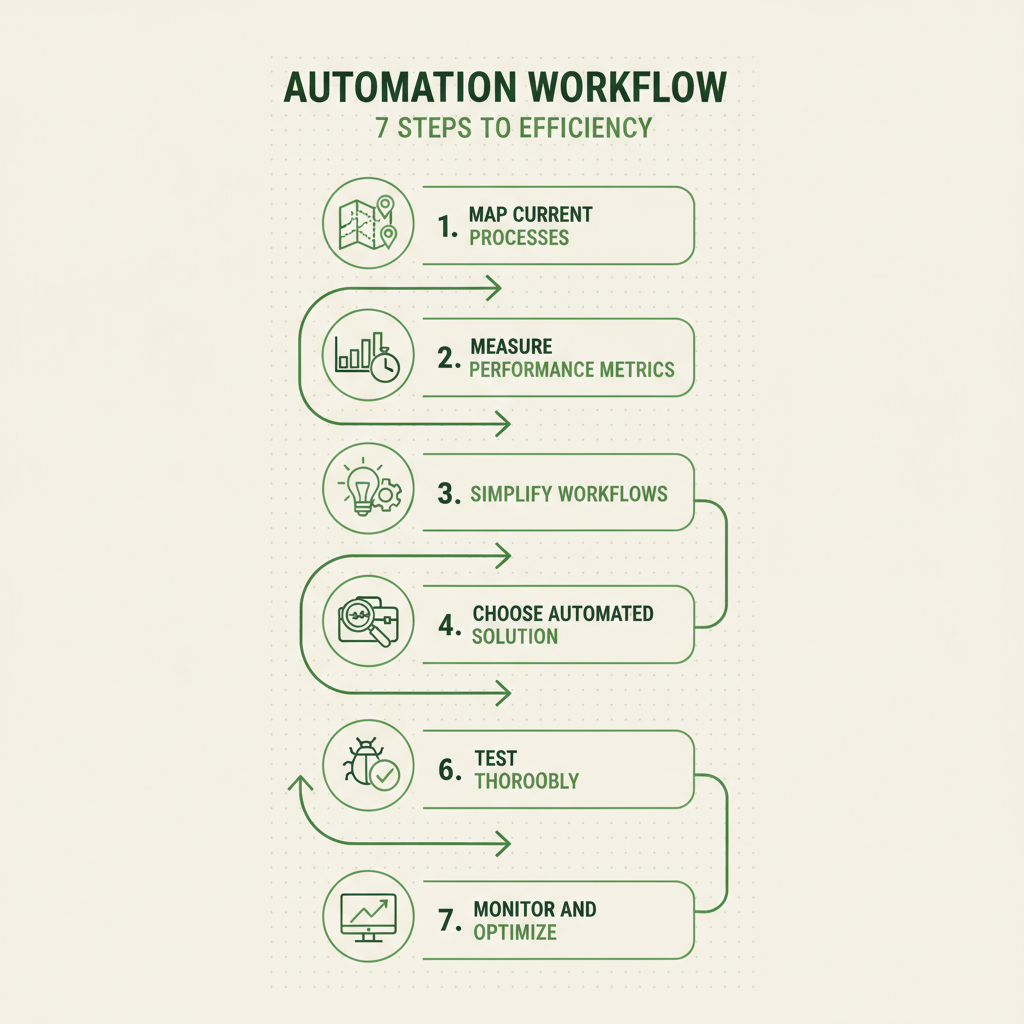
The complete 7-step workflow for implementing business process automation in your organization
Step 1: Map Your Current Process
Document every step in your current workflow, including who does what, which systems are involved, and where handoffs occur. Use a simple flowchart or even sticky notes on a wall.
Don't skip this step. We've seen teams automate broken processes and amplify problems instead of solving them. Map the current state first, identify bottlenecks, then design the automated future state.
Step 2: Measure Current Performance
Establish baseline metrics before automation. How long does the process take? How many errors occur? What's the cost per transaction? You'll need these numbers to prove ROI later.
Track time spent, error rates, customer satisfaction scores, and any relevant business metrics. Most SMBs discover they're spending 40-60% more time on manual processes than they realized.
Step 3: Simplify Before You Automate
Remove unnecessary steps, consolidate redundant approvals, and eliminate manual workarounds before building automation. The best automated process is often 30-50% shorter than the original manual version.
Ask: "If we were designing this process from scratch today, what would we eliminate?" Automation should enhance efficiency, not preserve inefficient legacy workflows.
Step 4: Choose the Right Tool
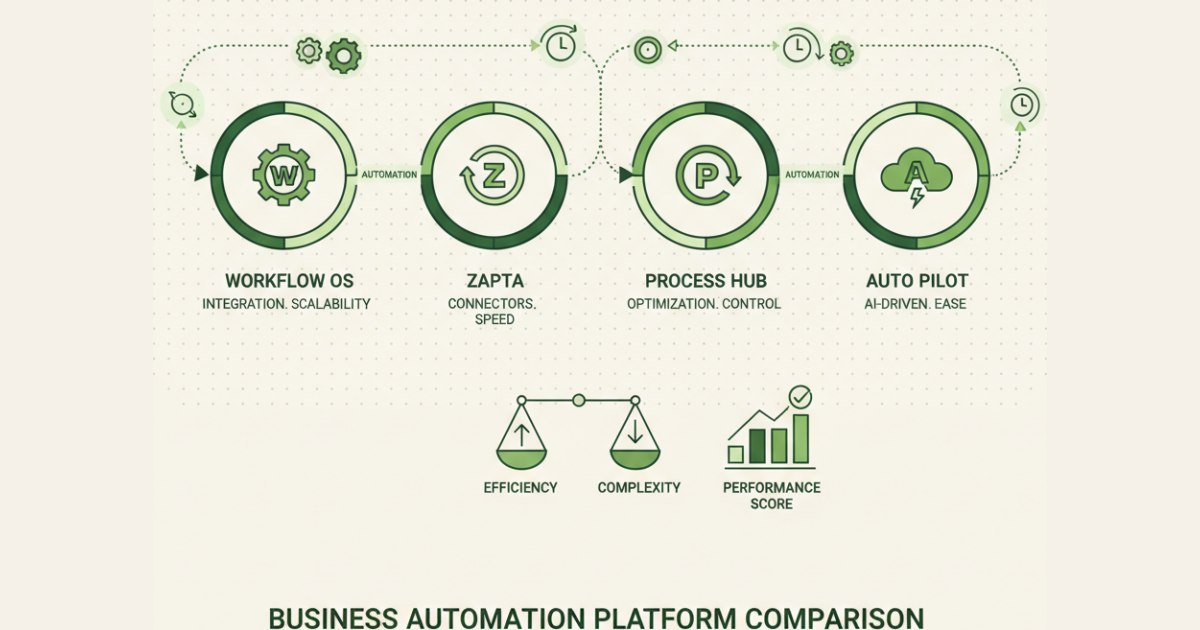
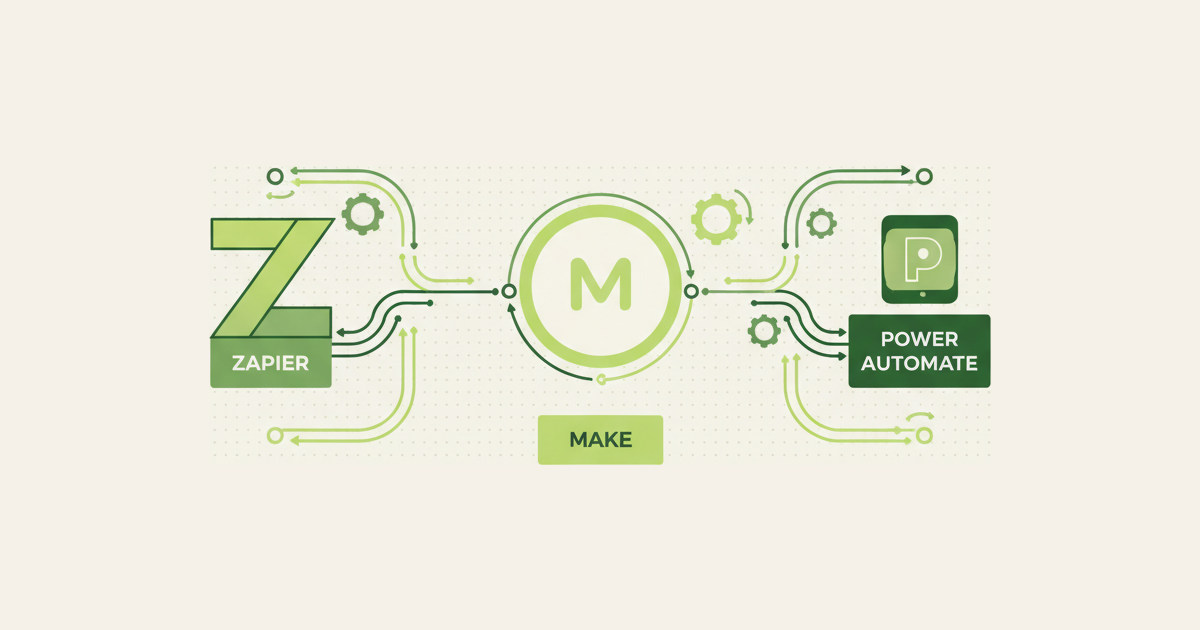
Match your automation needs to the right platform. Simple workflows might need only Zapier or Microsoft Power Automate. Complex processes might require dedicated BPA software or custom development.
Consider integration capabilities, scalability, user-friendliness, and total cost of ownership. Start with no-code tools unless you have specific technical requirements they can't handle.
Step 5: Build Your Automation
Start with a minimal viable automation that handles the core workflow. Build in stages, testing each component before adding complexity. Most successful automations begin simple and evolve over time.
Include error handling, notification systems, and manual override capabilities. Your automation should gracefully handle exceptions and alert humans when intervention is needed.
Step 6: Test Thoroughly
Run your automation with test data before processing real transactions. Test edge cases, error conditions, and integration points. Include your team in testing to catch usability issues.
Create a rollback plan in case issues arise after launch. Document the testing process so you can replicate it for future automation projects.
Step 7: Monitor and Optimize
Track performance metrics, error rates, and user feedback continuously. Most automations require 2-3 rounds of optimization in their first month to reach peak efficiency.
Set up monitoring dashboards and regular review cycles. Successful automation is an ongoing process, not a one-time implementation.
Real-World Process Automation Examples
| Process | Manual Time | Automated Time | Tools Used | ROI Timeline |
|---|---|---|---|---|
| Invoice Processing | 2 hours/day | 15 minutes/day | QuickBooks + Zapier | 2 weeks |
| Lead Routing | 30 minutes/lead | Instant | HubSpot + Salesforce | 1 week |
| Employee Onboarding | 8 hours/hire | 2 hours/hire | BambooHR + Slack | 1 month |
| Support Ticket Assignment | 45 minutes/day | Automatic | Zendesk + custom rules | 3 weeks |
| Inventory Alerts | 1 hour/week | Real-time | Shopify + email automation | 2 weeks |
Common Pitfalls When Automating
Myth: "Automation will solve all our process problems."
Reality: Automation amplifies existing processes. If your manual process is broken, your automated process will be broken faster. Fix the process first, then automate it.
Myth: "We need to automate everything at once."
Reality: Successful automation happens incrementally. Start with one high-impact process, perfect it, then expand. Companies that try to automate everything simultaneously usually fail at everything.
Myth: "Once it's automated, we can forget about it."
Reality: Automation requires ongoing monitoring and optimization. Business requirements change, systems update, and edge cases emerge. Plan for 10-15% of implementation time for ongoing maintenance.
How to Run Your First Automation Sprint
Here's your 1-week implementation plan:
Monday: Complete the MARS Process Audit. Identify your top automation candidate.
Tuesday: Map the current process and measure baseline performance. Document every step and stakeholder.
Wednesday: Simplify the workflow and choose your automation tool. Sign up for free trials if needed.
Thursday-Friday: Build and test your automation. Start simple and add complexity gradually.
Weekend: Deploy to production with monitoring enabled. Brief your team on the new process.
Following Week: Monitor performance, gather feedback, and optimize based on real usage data.
Need help choosing the right automation platform or designing your workflow? [Schedule a consultation](https://ideople.com/demo) with our automation specialists. We'll help you identify quick wins and build a roadmap for scaling automation across your organization.
FAQ
What business processes should I automate first?
Start with high-frequency, rule-based processes that consume significant time and are prone to errors. Common first automation wins include invoice processing, lead routing, employee onboarding, and customer support ticket assignment. Use our MARS Process Audit to systematically identify the highest-ROI opportunities in your specific business.
How long does it take to implement business process automation?
Simple automations using no-code tools like Zapier can be implemented in 1-3 days. More complex workflows involving multiple systems typically take 1-2 weeks. Enterprise-level automation projects may require 1-3 months. The key is starting small with high-impact processes and building complexity over time.
What's the average ROI of business process automation for SMBs?
Most SMBs see 300-500% ROI within the first year of automation implementation. Typical savings include 15-25 hours per week of manual work, 60-80% reduction in process errors, and 40-60% faster completion times. The exact ROI depends on which processes you automate and how efficiently you implement them.
Do I need technical skills to automate business processes?
No. Modern no-code automation platforms like Zapier, Microsoft Power Automate, and Integromat allow non-technical users to build sophisticated workflows using drag-and-drop interfaces. However, complex integrations or custom logic may require technical expertise or professional services.
How much does business process automation cost?
No-code automation tools typically cost $20-100 per month for SMB needs. Custom development ranges from $5,000-50,000 depending on complexity. However, most SMBs save $2,000-5,000 monthly in labor costs, making automation profitable within 30-90 days of implementation.
What happens if my automated process breaks?
Well-designed automations include error handling, monitoring alerts, and manual override capabilities. When issues occur, the system should notify relevant team members and provide fallback options. Always maintain documentation and rollback procedures for critical automated processes.
Can I automate processes that involve customer interaction?
Yes, but carefully. Automation works well for routine customer communications like welcome emails, order confirmations, and support ticket routing. However, maintain human oversight for complex customer issues, complaints, and relationship-building activities. The goal is enhancing customer experience, not replacing human connection.
How do I measure the success of my automation efforts?
Track time savings, error reduction, cost per transaction, customer satisfaction scores, and employee satisfaction with automated processes. Establish baseline metrics before implementation and monitor continuously. Most successful automations show measurable improvements within 2-4 weeks of deployment.
Ready to eliminate manual busy work and focus on growing your business? Our [workflow automation guide](https://ideople.com/blog/technology/what-is-workflow-automation-the-complete-2026-guide) provides the complete framework for building scalable automated processes that drive real results.
Rubal Gulati
Written by Rubal Gulati at Ideople. We build and run AI agents for our own business, then share what we learn.
Enjoyed this article?
Get AI automation insights delivered to your inbox. Start building with Ideople for free.
Get Started Free